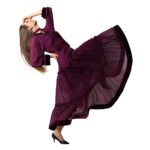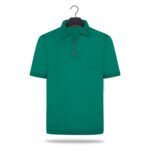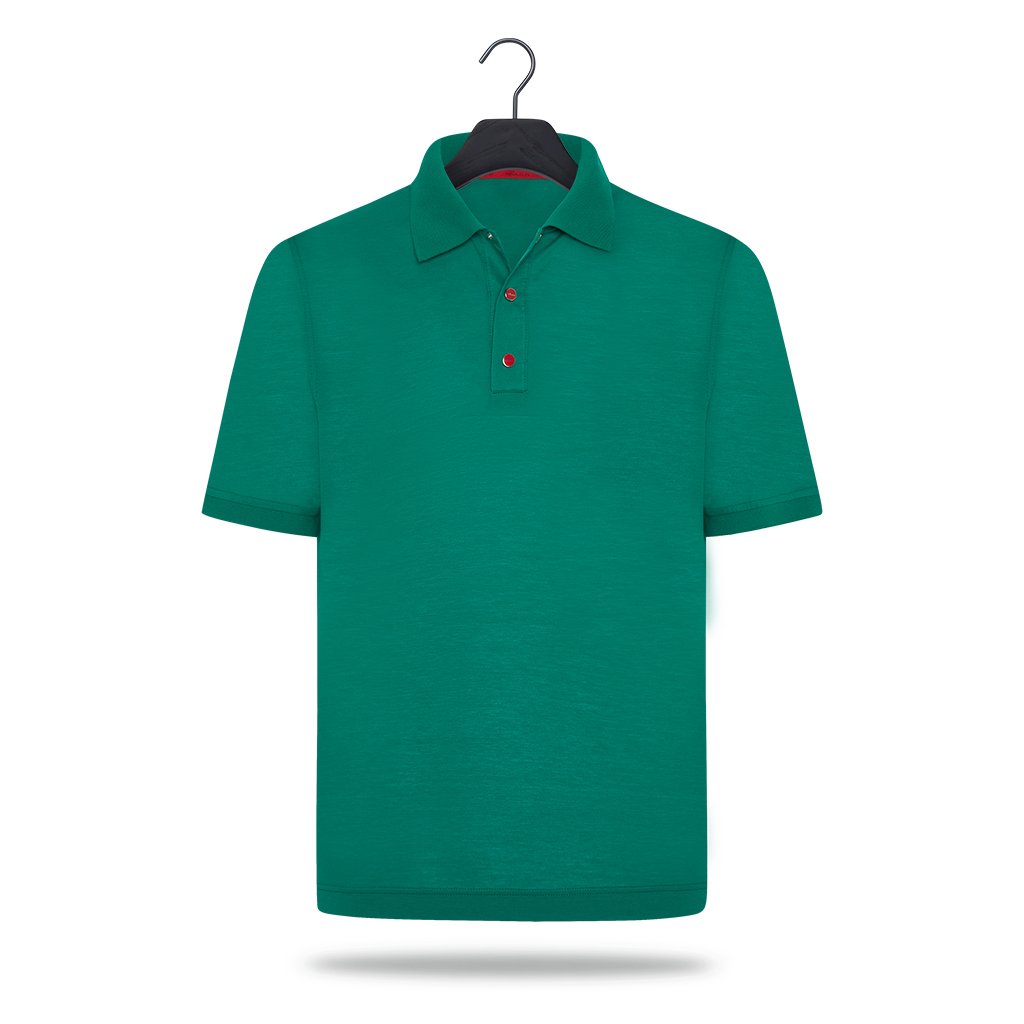
Ghost mannequin and flat lay are the two most common ways to show clothing without a model. Both remove distractions and keep the focus on the garment, but they create a very different impression on a product page. Choosing the right one for each category saves shooting time and keeps your catalog consistent.
What each style does
Ghost mannequin (also called invisible mannequin) is shot on a mannequin, then the mannequin is removed in editing. The inside of the neck and back is photographed separately and joined in, so the garment keeps a natural 3D shape with a visible inner collar.
Flat lay is shot from above with the product laid on a flat surface. Editing focuses on removing wrinkles and lint, straightening seams and making both sides symmetrical.
When to choose ghost mannequin
- Structured garments: shirts, blazers, jackets, coats, dresses and knitwear look best when the shoulders and chest have volume.
- Fit matters to the buyer: the 3D shape shows how the garment sits on a body without the cost of a model.
- Premium positioning: the clean, floating look matches the style of most large fashion retailers.
When to choose flat lay
- Soft or small items: T-shirts, kidswear, underwear, socks, swimwear and accessories photograph well flat.
- Fast, high-volume shoots: no mannequin styling is needed, so a studio can photograph many more items per hour.
- Social media and sets: flat lays are easy to group into outfits and bundles.
Can you mix both?
Yes, but keep it consistent within a category. A common setup is ghost mannequin for tops, dresses and outerwear, and flat lay for basics and accessories. Inside one category, every product should share the same angle, crop, margins and background so the grid looks tidy.
Shooting tips that make editing faster
- Shoot the inner neck and back as a separate photo with the same lighting.
- Steam or press garments before the shoot. Editing can remove wrinkles, but fewer wrinkles mean a more natural result.
- Use a tripod and keep camera height and distance fixed for the whole series.
- Leave space around the product so it can be cropped to your marketplace size.
Not sure which one suits your products?
Send us a few sample images with our free trial. We will edit them in both styles where possible, so you can compare the results on your own product page.